
In April 2026 SAP updated its API Policy. One rule restricts AI systems that decide on their own which SAP APIs to call. For companies that already let AI tools work with SAP data, or plan to, the question is no longer whether AI can use SAP data, but through which door. This article explains what changed and compares the three realistic ways in.
In short
- SAP’s API Policy, published on 27 April 2026, allows AI agents to use SAP APIs only through architectures that SAP endorses.
- SAP has said that rule-based automation following predefined sequences of API calls is not covered by this restriction, and that existing documented integrations are not expected to be affected.
- There are three realistic ways to give AI access to SAP data: SAP’s own route, a copy of the data outside SAP, and AI that runs predefined, governed automations.
- The right choice depends on how fresh the data must be, whether AI should also change data, which AI platform your people use, and your SAP contract.
About this article
- Author: Zoltan Dobszai, CEO, Novacon
- Updated: October 2026
- Applies to: SAP ECC and SAP S/4HANA
- Technologies: Automate Evolve, Automate Studio
- Reading time: 7 minutes
This article explains the policy from a practitioner’s view. It is not legal advice.
What changedSAP's API policy and AI agents
SAP published the new version of its API Policy on 27 April 2026. The rule that matters for AI says that SAP APIs may not be used for interaction or integration with “(semi-)autonomous or generative AI systems that plan, select or execute sequences of API calls”, unless this happens through and within the limits of architectures endorsed by SAP. The same caveat applies to large-scale data extraction and scraping.
In plain words: an AI agent that looks at a question and decides by itself which SAP APIs to call, and in which order, is no longer allowed to do so directly. It has to go through a route that SAP endorses.
In its clarifications since April, SAP has added four points that are useful in practice:
- Endorsed routes. Agent-to-agent communication through SAP’s Agent Gateway (A2A), SAP’s own MCP servers in Joule Studio, the MCP Gateway on SAP Integration Suite, and zero-copy data sharing.
- Rule-based automation. Automation that follows predefined sequences of API calls, such as a classic RPA bot, does not fall under the AI restriction. The restriction applies when an AI system can decide for itself which SAP APIs to call and in what sequence.
- Existing integrations. Integrations that use documented APIs for their intended purpose are not expected to be affected.
- Licences. The policy does not change current licence grants. SAP has also said that commercial models for agentic access will evolve.
What remains open: SAP has not published a binding list of examples, and user groups such as DSAG have asked for clearer pricing and contract terms. For a specific design, the binding answer comes from your SAP contract and from SAP.
Why it matters for your AI projects
The questions people ask an AI assistant at work rarely stop at SAP. Which supplier invoices are blocked, and what did the supplier write about them? Where does the month-end close stand, and which reconciliation is still open? Answering them needs SAP data and data from outside SAP, and until now many AI tools simply connected to SAP APIs and assembled the answer themselves.
That direct path is the one the policy closes. There is no reason to panic, because the door is not shut. But the way AI reaches SAP now has to be designed on purpose, before pilots go into production.
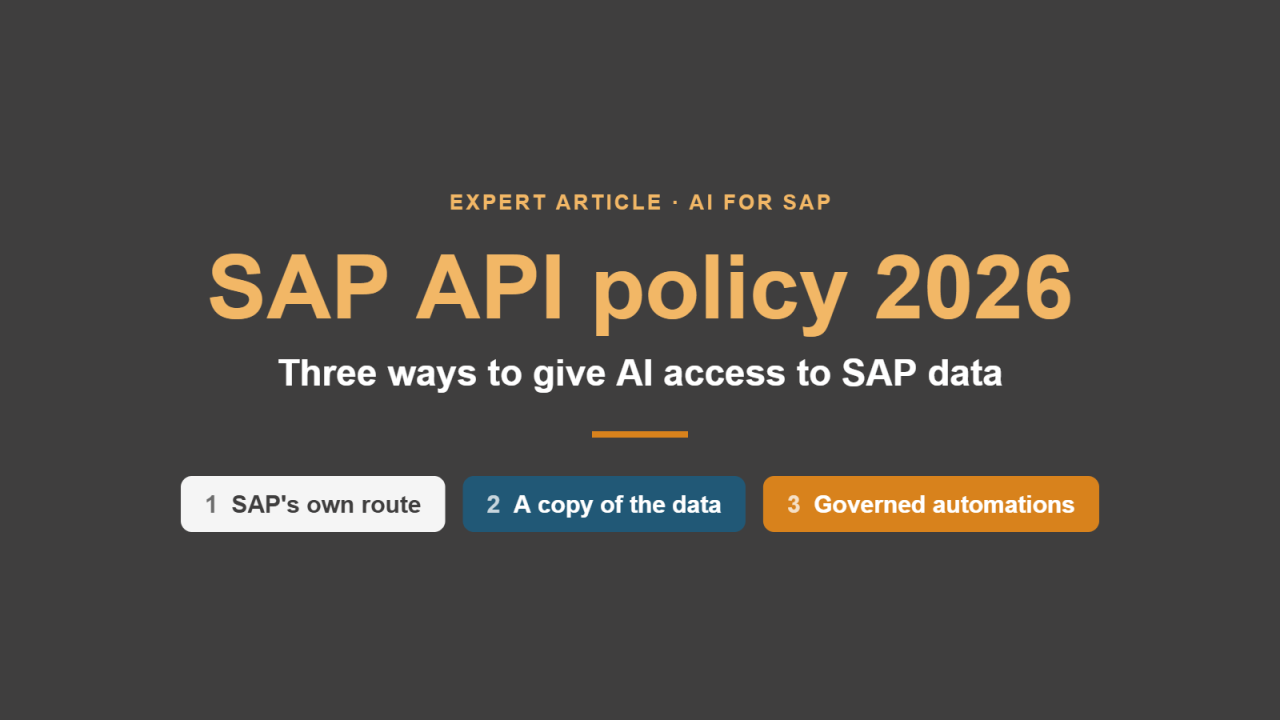
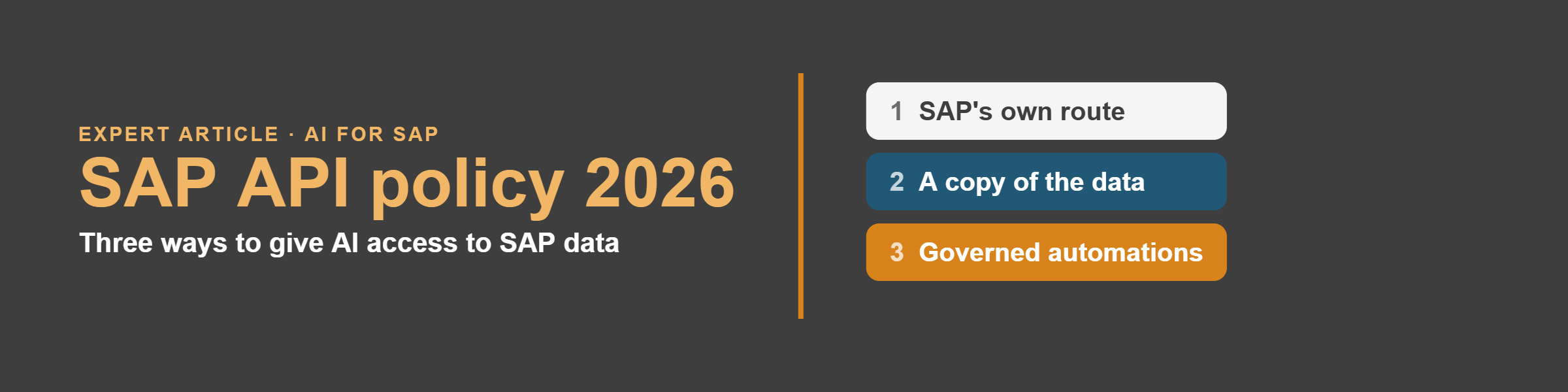
Three ways inThree ways to give AI access to SAP data
Each route works. They differ in how fresh the data is, whether AI can also change data, what it costs and how much control you keep.
1 · SAP’s own route
2 · A copy of the data
3 · Governed automations as AI tools
AI requests go through the channels SAP endorses: Joule and the Agent Gateway, SAP’s MCP servers, or the MCP Gateway on SAP Integration Suite.
SAP data is copied regularly to a data platform outside SAP, or shared through SAP’s zero-copy options, and the AI works on that copy.
The AI does not call SAP APIs itself. It chooses from automations that people have built, tested and approved, and each one runs a fixed sequence of SAP steps.
Fits when
Fits when
Fits when
- You standardise on SAP’s AI stack
- Policy certainty matters most
- Analysis and reporting, where yesterday’s data is good enough
- Large volumes and many data sources
- The answer needs live SAP data
- AI should trigger SAP changes, with approvals
- Your people use Claude, ChatGPT or Microsoft Copilot
Watch out for
Watch out for
Watch out for
- Usage-based charges may come on top of your licences; pricing is still evolving
- External AI tools reach SAP through SAP’s channel, not directly
- You depend on SAP’s roadmap for new capabilities
- The AI does not see live data, and it cannot change anything in SAP
- A second copy of the data to run and govern
- The extraction method itself must be permitted; for example, SAP restricts third-party use of ODP via RFC (SAP Note 3255746)
- Someone has to design and maintain the automations
- It covers the tasks you have prepared, not everything
- Check the design against your SAP contract (see below)
Many companies will combine them: a copy of the data for analytics, governed automations for live operational tasks, and SAP’s route where Joule is already in use.
The third way in practiceHow it works with Precisely Automate
Since release 26.1, Automate Evolve includes the Precisely Automate MCP Server, which Precisely announced on 14 October 2026. It exposes approved Automate Studio scripts (RFC, Fiori and SAP GUI for HTML), SAP OData APIs (read-only by default) and Evolve tasks and processes as tools for MCP-compatible AI assistants such as Claude, ChatGPT and Microsoft Copilot.
- QuestionYour user
Asks in plain language, in the AI assistant they already use.
- Choose a toolAI assistant
Selects one of the automations that were published to it.
- Run the scriptAutomate Evolve
Runs the predefined Studio script or Evolve process, step by step.
- SAPECC or S/4HANA
Reads or changes data within the SAP authorisations that apply.
- Result or approvalBack to the user
Returns the data, or starts an approval before anything is posted.
Three design rules we follow
- One tool, one business task. For example “show the open purchase orders of a supplier”. The sequence of SAP steps inside the tool is fixed and tested.
- Reading and changing are separated. Changes go through an Evolve workflow with approval and a full history, so a person stays in control of what is posted.
- SAP security still applies. SAP authorisations and Evolve governance apply to every run, just as they do when a person runs the same automation.
Is this in line with SAP's API policy?
This design follows the pattern SAP describes as outside the AI restriction: predefined sequences of SAP calls, built and tested by people. The AI still selects which approved automation to run, and SAP has not published a binding list of examples. So before go-live, we recommend reviewing the design with your SAP account team or licensing adviser. We help you prepare the documentation for that review.
How to chooseFive questions before you decide
- Does the answer need live SAP data, or is yesterday’s data good enough?
- Should AI only read, or also change data in SAP?
- Which AI platform do your people use: Joule, Microsoft Copilot, ChatGPT or Claude?
- How many requests do you expect, and who pays for each call?
- What does your SAP contract say, and what has SAP confirmed to you in writing?

Where Novacon helpsFrom the first question to governed AI access
We have been a Precisely partner since 2016. We start from the business process: which questions and tasks AI should handle, which data it needs and what must stay under human control. Then we build the Automate Studio scripts and Evolve workflows, publish the approved ones to your AI assistants and train your team to maintain them.
ProductAutomate Evolve
ProductAutomate Studio
SolutionSAP Automation
Frequently asked questionsQuestions we hear most often
What does SAP’s 2026 API policy say about AI agents?
Published on 27 April 2026, it says SAP APIs may not be used with AI systems that plan, select or execute sequences of API calls, unless this happens through architectures SAP endorses, such as SAP’s Agent Gateway, SAP’s MCP servers or the MCP Gateway on SAP Integration Suite.
Can Claude, ChatGPT or Microsoft Copilot work with SAP data?
Yes, through a route that fits the policy: SAP’s own channels, a copy of the data outside SAP, or governed automations such as Automate Studio scripts and Evolve processes, published to the AI assistant through the Precisely Automate MCP Server.
Is this legal advice?
No. The article explains the policy from a practitioner’s view. For a specific design, check your SAP contract and confirm with SAP or your licensing adviser.
Does the policy affect existing SAP integrations and RPA bots?
According to SAP’s clarifications, integrations that use documented APIs for their intended purpose are not expected to be affected, and rule-based automation that follows predefined sequences of API calls does not fall under the AI restriction.
Is a copy of SAP data a safe alternative?
For analysis it often is, but the AI then works with data that is not live and cannot change anything in SAP. The extraction method must also be permitted under SAP’s rules.
Sources
- SAP: SAP API Policy, overview (published 27 April 2026)
- ERP Today: SAP API Policy – integrations, custom ABAP and AI agents (September 2026)
- Techzine: SAP blocks external AI agents (May 2026)
- The Register: Experts question whether Salesforce demo breaches SAP API policy (September 2026)
- Precisely: Precisely launches MCP Server for Precisely Automate (14 October 2026)
Planning AI on SAP data? Let's design the access route together.
ContactTalk to an expert
Tell us which SAP process or AI use case you are looking at. One of our consultants will get back to you.
- We read your message and pass it to the consultant who knows the topic.
- We contact you to agree on a short call.
- If you wish, we show a demo on a process like yours.
Prefer to write directly?
info@novacon.hu
